
Last updated: October 12, 2026
In short: AI writing tools help most when you need a fast first draft, a cleaner edit, or a list of ideas.
Quick answer: AI writing tools are best as helpers, not replacements. A practical rule: use them for jobs that would take about 5 to 15 minutes by hand, then spend at least that long checking the result. AI writing tools are software that can draft, rewrite, summarize, or check text in a few seconds, but they work best as assistants, not authors. Need a quick outline for a blog post, a sharper subject line, or help smoothing out clumsy sentences? They can save time. Need original reporting, a legally safe memo, or a piece with a strong point of view? Poor fit. For work that affects health, legal, or financial decisions, consult a qualified professional.
Key Takeaways
- AI writing tools are best at speed, repetition, and rough drafts.
- They are weak at judgment, sourcing, and original insight.
- Free plans can work for basic editing, but paid tools usually add more prompts, longer outputs, and brand controls.
- A human still needs to check facts, tone, and final meaning.
- If your work depends on accuracy or a distinct voice, use these tools sparingly.
What AI writing tools actually do
AI writing tools predict the next useful word, then the next one after that, based on patterns they learned from large text collections. That explains why they can spit out a decent paragraph from a 20-word prompt, and also why they may sound confident while missing the mark. Most tools now handle 5 to 10 common jobs: drafting, rewriting, grammar cleanup, summarizing, tone shifts, and ideation. Some also offer brand voices, templates, and document chat. For a plain-language overview of how generative models work, see the U.S. NIST AI Risk Management Framework and OpenAI’s prompt guidance.
The label matters less than the job. Grammarly leans toward editing. Jasper leans toward marketing drafts. Hemingway focuses on readability. ChatGPT and similar general models can do many of the same tasks, but the results depend heavily on the prompt you give them. Pick the tool for the task, not the hype.
What can AI writing tools do for you?
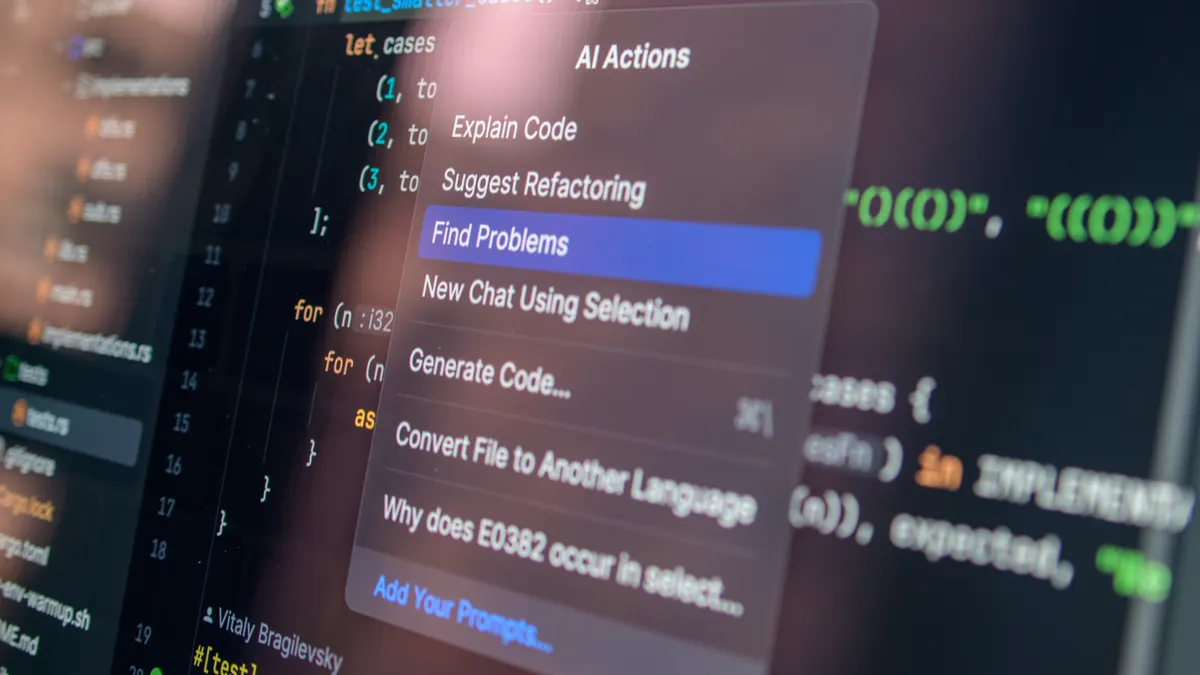
They can cut the time it takes to get from blank page to first draft. Start with five bullet points, and a tool can turn them into a 300-word rough draft in under a minute. It can also rewrite a dull sentence in 10 different ways, shorten a long paragraph, or turn notes into a list of headlines. In practical terms, that can save 15 to 30 minutes on a short draft.
Here is the part that matters: the first draft is the easy part. The real value is moving faster through the ugly middle, where most writing slows to a crawl. A good use case is a 1,200-word article that needs structure, not a masterpiece. A bad use case is a company announcement where every line must be exact. For content that could affect customers, clients, or patients, consult a professional before you publish.
How I would use one without making a mess
I would use one in 4 steps.
- Give it one job, not five. Ask for either an outline, a rewrite, or a summary. A single task usually produces cleaner output than a vague prompt that says “improve this.”
- Set the length and audience. Say “120 words for beginners” or “3 bullet points for sales reps.” Specific limits reduce rambling and make the result easier to judge.
- Ask for 2 versions. One can be plain and one can be more polished. That gives you something to compare instead of accepting the first pass.
- Edit the result yourself. Remove weak claims, fact-check names and numbers, and replace generic phrasing with your own details. The final piece should sound like a person, not a template. For anything sensitive, check the facts with a trusted source or professional before you rely on it.
Because of that, the process works best when you treat the tool like a junior assistant, not a decision-maker. Hand it a sloppy request, and you usually get a sloppy draft back.
What are the limits and trade-offs?
AI writing tools are fast, but speed has a cost. They can flatten voice, repeat ideas, and produce confident nonsense. Nuance is another weak spot. A tool may know what “professional” sounds like, yet still miss the real tone you need for a founder update, a sales page, or a complaint reply. For communication that matters, consult a professional before you send it.
There is also a privacy trade-off. Some tools keep prompts for model improvement unless you change the settings or buy a business plan. That matters if you write about clients, product plans, or anything sensitive. For work that contains confidential data, I would check the data policy before I paste in a full draft. OpenAI, Google, and Microsoft all publish data-use and privacy pages that are worth reading before you upload anything private.
One more limit: these tools do not know what you meant unless you tell them. A bad prompt does not become a good one on its own.
Who should NOT use AI writing tools?
People who need exactness more than speed should avoid them for the core draft. That includes legal writers, medical writers, financial analysts, and anyone preparing text where a wrong word can cause real damage. In those fields, an AI draft can help with brainstorming, but it should not be trusted as the source of truth. If the content affects health, legal rights, or money, consult a qualified professional.
They are also a poor choice for writers who are trying to build a distinct personal voice. If your value comes from original phrasing, sharp opinion, or reporting, heavy AI use can make your work sound bland. In that case, I would use the tool only for outlines, title ideas, or sentence cleanup. Flavor gets watered down fast.
How do I choose the right AI writing tool?
I would choose by task first and price second. If you mostly fix grammar, a light editor may be enough. If you write marketing copy every day, a generator with templates may be worth more. Free plans often cover basic edits, while paid plans can run from about $10 to $30 a month for individual use, with higher tiers for teams and brand controls. Grammarly’s paid plans, for example, start at about $12 per month when billed annually, while Jasper and similar tools often sit in the same range or higher for team features.
The main trade-off is simple: more automation usually means more generic output unless you invest time in prompts and edits. If you want the tool to sound like you, pick one that lets you save examples, set tone rules, or lock in a style guide. Before you subscribe, test the trial on one real document and compare the before-and-after edit time. That is the real test.
The mistakes that cost the most time
The biggest mistake is trusting the draft too early. That can leave false details, stiff phrasing, and a voice that feels copied from everywhere. The fix is to treat the output like material, not final copy. For claims that could affect a reader’s health, finances, or legal position, consult a qualified professional.
The second mistake is feeding it too much at once. A 1,500-word paste-in with no instruction often gives you a 1,500-word reply that is longer, not better. Better to break the job into 2 or 3 smaller prompts.
The third mistake is using it where judgment matters most. If the piece needs a clear position, a local example, or a delicate tone, human writing still wins. That is especially true when you need to make a call, not just clean up text. Machines can fake polish; they cannot fake judgment.
FAQ
Can AI writing tools replace writers? No. They can replace some drafting and editing labor, but they do not replace judgment, reporting, or voice.
Are free tools enough? For light grammar fixes and short drafts, yes. For teams, brand control, and longer workflows, paid plans usually make more sense.
What did I get wrong the first time I looked at AI writing tools? I treated the speed boost as the main benefit and missed the cleanup cost. The hidden work was editing weak claims, fixing tone, and checking facts. For anything high-stakes, consult a qualified professional.
Which section would I delete? I would cut the generic ethics section and replace it with a section on prompt quality, because weak prompts cause more bad output than abstract ethics advice does.
Should everyone use them? No. If your work depends on accuracy, originality, or a strong personal voice, use them lightly or not at all.
Comparison table
| Tool type | Best for | Typical price | Main risk |
|---|---|---|---|
| Grammar editor | Cleanup, tone, clarity | Free to about $12/month | Over-editing or bland style |
| General AI writer | Drafts, outlines, rewrites | About $10 to $30/month | Confident errors |
| Team platform | Brand voice, approvals, templates | Higher, often custom pricing | Cost and setup time |
People Also Ask
How accurate are AI writing tools? Accuracy varies by prompt and topic. They can draft quickly, but you should verify names, dates, numbers, and any claim that matters.
What is the best use for AI writing tools? They are best for first drafts, outlines, rewrites, and cleanup work where speed matters more than originality.
What should you not use AI writing tools for? Do not use them as the final source for legal, medical, financial, or other high-stakes content.
Do AI writing tools save time? Yes, but only if you still edit carefully. They usually shift time from drafting to reviewing.
Drafted with AI; not yet reviewed by a person.