

Last updated: November 12, 2026
Key Takeaways
- Rank tracking volatility is the SERP noise you see when results reshuffle without a page change.
- Read it by checking the result type, time window, and keyword group before deciding movement is real.
- SERP churn happens when ranking positions shift alongside features or local results.
- Broad updates often affect many keywords at once; ordinary churn usually stays limited to a few terms.
Quick Answer
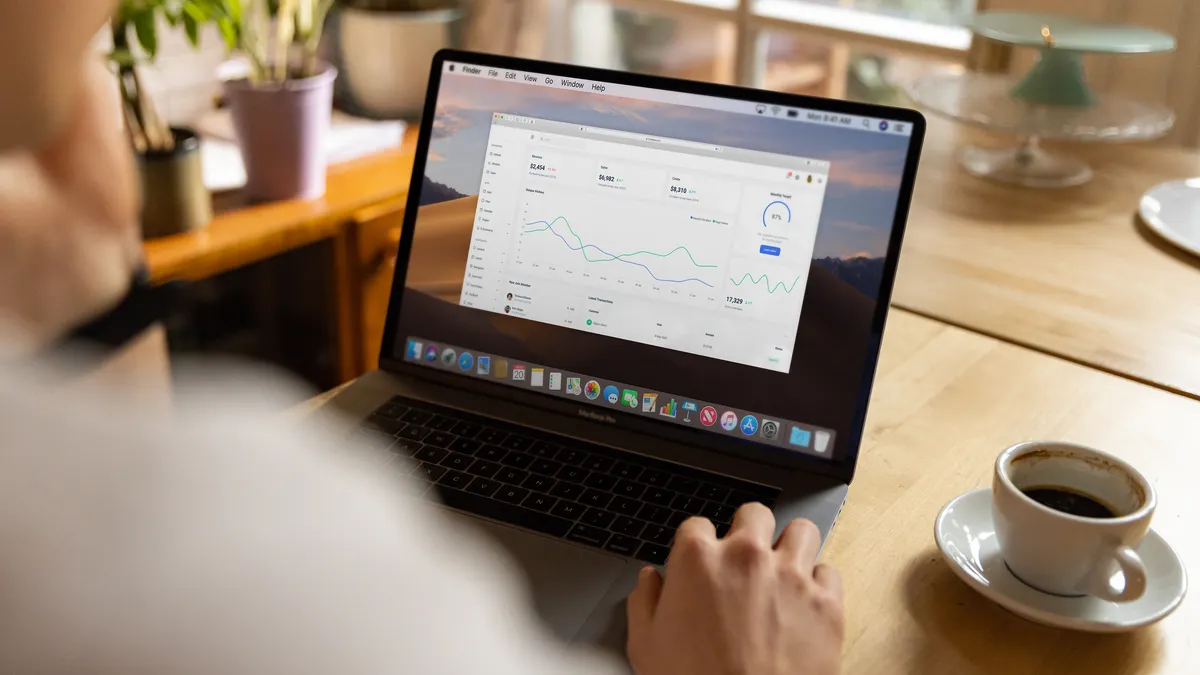
Rank tracking volatility in competitive SERPs is usually a mix of SERP churn, feature changes, and genuine ranking movement. The quickest read is to compare the keyword, device, location, and last 7 to 14 days before reacting.
Rank tracking volatility in competitive SERPs means treating every swing as data, not panic; if the pattern is persistent or unclear, consult a professional SEO analyst and use authoritative search guidance such as Google Search Central: https://developers.google.com/search. The fix is to separate SERP churn from true ranking movement. The steps below show how to read the chart, the feature set, and the local or AI changes before you blame the page.
What rank tracking volatility actually means
Rank tracking volatility is the noise you see when search results keep reshuffling even if your page did not change. In a competitive SERP, that usually comes from featured snippets, the local pack, AI overviews, and algorithm updates pushing results around.
Picture this: you’re checking a keyword every morning and the rank jumps from 4 to 9 to 3 over three days. That may mean the page changed, but it often means the SERP itself is unstable.
- A single keyword can move because a snippet appeared.
- A local result can replace an organic listing.
- An AI overview can push the whole visible page down.
The first job is to ask, “Did the SERP change, or did my page change?” It sounds simple, but it isn’t. A generic ranking report hides the difference, and that is how teams waste time chasing ghosts.
How do I read rank tracking volatility without overreacting?

You read it by comparing the result type, the time window, and the keyword group before you decide the movement is real. If the SERP layout changed on the same day, the chart may be showing feature churn, not page performance.
Because of that, start with the visible result before you trust the number. Picture this: you’re looking at a keyword with three ads, a featured snippet, a local pack, and an AI overview. Your page still ranks, but the visible result has fewer organic spots above the fold. That is a different problem from a content drop.
- Check the SERP screenshots, not just the line chart.
- Compare desktop and mobile; they often show different layouts.
- Group keywords by intent, because a local query behaves differently from a broad informational one.
What matters is the pattern over 7 to 14 days, not one spike. A one-day drop can be pure ranking noise. A repeated drop across several days, in the same device and location, is more likely to be a real shift in visibility.
A practical reading order for any keyword
- Open your rank tracker and check the exact keyword, device, and location setting first.
- Review the SERP screenshot for the same date and note new features like snippets, local packs, or AI overviews.
- Compare the prior 7 days and look for a repeated pattern instead of a single point.
- Check the result type mix to see whether organic listings lost space to non-organic features.
- Mark the change as volatility if the layout changed faster than the rank did.
On the flip side, if the SERP layout stayed stable for 2 weeks and your page still slid, that is not simple volatility. It is movement worth a closer read elsewhere.
What signs point to SERP churn instead of page movement?
SERP churn shows up when the ranking ladder changes but the page count, feature set, or local results move at the same time. The most obvious clue is a SERP that looks different on two consecutive checks.
In particular, a new layout can make a page look weaker without changing its relevance. Picture this: you’re tracking a term that used to show 10 blue links, then one day a featured snippet takes the top slot and a local pack appears below it. The organic result you cared about may not have lost relevance at all. It may have lost room.
- A new snippet often shifts click share without touching the page’s actual position.
- A local pack can crowd out standard organic results on map-heavy queries.
- AI overviews can compress the visible results and make positions look worse than they are.
Here’s the catch: many rank trackers still report a single position number. That number can hide a lot of change. A keyword at position 3 on Monday may be visually below the fold on Tuesday because the SERP grew a new block above it.
A better read starts with the kind of SERP, not the rank itself. If the query is local, the local pack matters. If the query is informational, featured snippets and AI overviews matter more. If the query mixes both, expect more churn and less tidy reporting.
How do algorithm updates change the way volatility looks?
Algorithm updates usually widen volatility across many keywords at once, while normal SERP churn stays clustered around a few terms. A true update event often changes the whole pattern for a 7-day or 30-day view, not just one page.
Since broad movement can signal an update, compare the chart with known search engine timing, if your tracker or industry sources provide it.
- Broad movement across many terms points toward an update.
- One keyword or one page points more toward local noise or feature churn.
- One device type moving harder than another can point to a layout change, not a site issue.
Do not treat every update like a penalty; if the pattern is unclear or severe, consult a professional. Some updates mostly reorder results. Some change how much room features take up. Some create more visible churn in competitive SERPs without any obvious on-page cause.
Google Search Central is a useful place to watch for search guidance and indexing news: https://developers.google.com/search. For SERP feature behavior, the Moz and Semrush educational resources often explain how feature-rich results affect tracking, though the exact ranking impact still varies by query. For additional context, Google’s documentation on search result appearance and measurement can help interpret what your tracker is showing: https://developers.google.com/search/docs.
Which tracking settings make volatility easier to read?
You read volatility better when your tracking settings match the SERP you care about. If the device, city, and language are wrong, the chart can look unstable when the real issue is a bad setup.
Because local settings shape the result page, start there before judging the line chart. Picture this: you’re tracking a local query on desktop from a national setting. The ranking line will look noisy because the local pack and map results are location-sensitive. That mistake alone can make a stable keyword look broken.
- Use the same device the searcher uses most.
- Track the right location, down to city level when the SERP is local.
- Keep the language and country fixed so you don’t mix markets.
Once the settings are right, you can spot real volatility faster. A keyword that bounces only on mobile is telling a different story from one that bounces everywhere. A keyword that only shifts inside one metro area is often a local pack story, not a site-wide ranking story.
This is where a tracker with SERP feature tagging helps. If it labels featured snippets, local packs, and AI overviews, you can tell whether the line moved because the page changed or because the page got shoved down by another element.
What should you report when the SERP is unstable?
You report the pattern, the feature changes, and the tracking context together, not the rank number by itself. A clean report says what changed in the SERP and what stayed stable on the page.
Because a messy chart needs interpretation, keep the summary short and specific. Picture this: you’re sending an update to a client or boss, and the keyword chart looks messy. A raw list of position gains and losses will confuse them. A short read on the SERP will not.
- Name the keyword group and the date range.
- Note whether featured snippets, local packs, or AI overviews appeared or disappeared.
- Say whether the movement was limited to one device or location.
- Flag whether the change lasted 24 hours, 7 days, or longer.
Keep the wording plain: “SERP volatility increased” is better than “rank loss.” If the page stayed in range but the visible result changed, say that. If the same keyword kept swinging while the SERP features changed, say that too.
That report style helps the next person avoid the wrong conclusion. It also keeps the conversation on evidence instead of panic. That matters in competitive SERPs, where a one-slot change can mean very little on its own.
What gets misunderstood most often?
The biggest mistake is treating every rank change as proof of site health. In competitive SERPs, the result page itself can move faster than the site can.
Because the SERP can shift first, a sudden drop is not always a site problem. Picture this: you’re staring at a chart that drops from 5 to 8, and you want a fast answer. The honest answer may be, “The SERP changed.” That is not a dodge. It is the right label.
- A local pack can make organic rank look weaker than it is.
- A featured snippet can steal the top view without removing the page from page one.
- AI overviews can compress click opportunities even when the page still ranks.
Another mistake is reading only one keyword at a time. A single term can be a liar. A cluster of related keywords gives you the shape of the SERP more clearly, especially when the same feature appears across the group.
The truth is, rank tracking volatility is normal in crowded results. The job is not to eliminate it. The job is to read it without confusing layout noise for SEO movement.
What should you do next with rank tracking volatility?
You should use a consistent checklist, then keep a short history of the SERP shape for each tracked keyword group. That gives you a baseline when the chart starts jumping.
Since a short history makes patterns easier to see, compare the latest movement to the last stable period. Picture this: you’re looking at a keyword that has bounced for 3 days. Before you call it a ranking problem, compare the device, location, and feature set against the last stable period. If the SERP changed, write that down first.
- Keep screenshots or feature notes for your top terms.
- Separate local terms from national terms in your report.
- Watch for repeated changes over 7 to 14 days before labeling a trend.
The guide to rank tracking reporting and analysis goes deeper on how to turn those notes into a clean report. Use that hub when you need the bigger workflow. This page’s job is the first read: tell volatility from actual movement before you react.
What causes ranking volatility?
Ranking volatility comes from changes in the SERP, changes in searcher location or device, and shifts in algorithm behavior. Featured snippets, local packs, and AI overviews can also move the visible results even when a page itself has not changed.
How do I know if volatility is normal?
Volatility is usually normal when the SERP layout changes, the movement is short-lived, or the swings happen only on one device or location. If the same keyword keeps bouncing for a few days while the SERP features change, that is often churn rather than a direct page problem.
When should volatility trigger action?
Volatility should trigger action when it stays broad, repeats across the same keyword group, and lasts beyond a short tracking window such as 7 to 14 days. It should also trigger a closer look when the SERP stays stable but your page keeps sliding.
Drafted with AI; not yet reviewed by a person.