
Last updated: November 12, 2026
Quick Answer: in 5 checks, you can usually separate tracker noise from a real post-launch ranking change. How to audit rank tracking anomalies after launch means comparing the rank tracking reports, Google Search Console, the keyword set, and historical data before you call it a problem. Use the steps below to see what changed, when it changed, and whether the launch caused it. For background on how Google Search Console reports data and how Google handles URL selection and indexing, see Google Search Console Help and Google’s Search Essentials.
Key Takeaways
- Start with the query set, not the rankings. Bad inputs create fake drops.
- Compare rank tracking reports with Google Search Console for the same date range.
- Treat sudden drops, spikes, missing keywords, and data gaps as different problems; if the pattern is unclear, consult a professional SEO analyst and verify it against Google Search Console.
- A SERP mismatch often means the tracker is watching a different result type than you expected.
- Real launch-day movement is usually broad and tied to one sitewide change, not one odd keyword.
What counts as a rank tracking anomaly after launch?

A rank tracking anomaly after launch is any ranking pattern that does not fit the change you shipped or the search results you expected. That can be a sudden drop, a spike, a missing keyword, a flatline in historical data, or a result that appears in rank tracking reports but not in Google Search Console.
Picture this: you launched a new page set on Monday, and by Tuesday your report shows 40 keywords down by 6 to 12 positions. You need to know if that is real or if your tracker is sampling the wrong SERP. Here’s the catch: launch day often changes indexation, URL choice, and query mix at the same time.
- Rank tracking reports show the symptom.
- Google Search Console shows what Google actually served for your property.
- Historical data tells you whether the pattern started at launch or before it.
- Keyword sets tell you whether the tracker is watching the right terms.
- SERPs reveal if the result type changed, such as a map pack, video block, or different canonical URL.
A generic article stops there. This one does not. The useful question is not “Did rankings move?” It is “Which layer broke: the site, the query set, or the tracker?”
How do I audit rank tracking anomalies after launch?
You audit rank tracking anomalies after launch by checking the keyword set, then the report pattern, then Google Search Console, then the live SERP, and finally the launch change itself. That order separates bad data from real movement fast.
Picture this: you open a rank report on launch day and see one page falling while another version of the same page climbs. The result looks messy, but the cause is often plain. Maybe the tracker is split across two URLs, or the page started ranking for a different intent than before.
- Check the keyword set and confirm the launch page is attached to the right terms. If branded and non-branded groups are mixed, the report can blur a real shift.
- Check the rank tracking reports for the pattern. A drop across many keywords usually points to a broader issue than a single page.
- Check Google Search Console for the same date range. If impressions and average position stay steady while the tracker falls, the anomaly is probably in the tracking layer.
- Check the live SERP for the exact query. If the result shows a different URL, a new feature block, or a local pack, the tracker may be reading a different layout than before.
- Check historical data for the 7 to 14 days before launch. If the trend was already drifting, launch may have exposed a preexisting problem rather than caused it.
Use a tight window. A 7-day slice is often enough for a first pass; if launch landed near a major crawl event or index update, extend the review to 14 days. The goal is not a perfect explanation. It is a clean split between tracker noise and site change. For more on how Google processes crawled URLs and indexing signals, see Google Search Essentials.
Rank tracking anomalies: the fast audit order
| Order | What to check | What you learn |
|---|---|---|
| 1 | Keyword set | Are the right terms tracked? |
| 2 | Rank tracking reports | Is the pattern broad or isolated? |
| 3 | Google Search Console | Is Google showing the same movement? |
| 4 | Live SERP | Is the result type or URL different? |
| 5 | Historical data | Did the issue start at launch or before? |
If the tracker says “drop” and Google Search Console does not, do not blame the page yet.
Which anomalies are real and which are tracking noise?
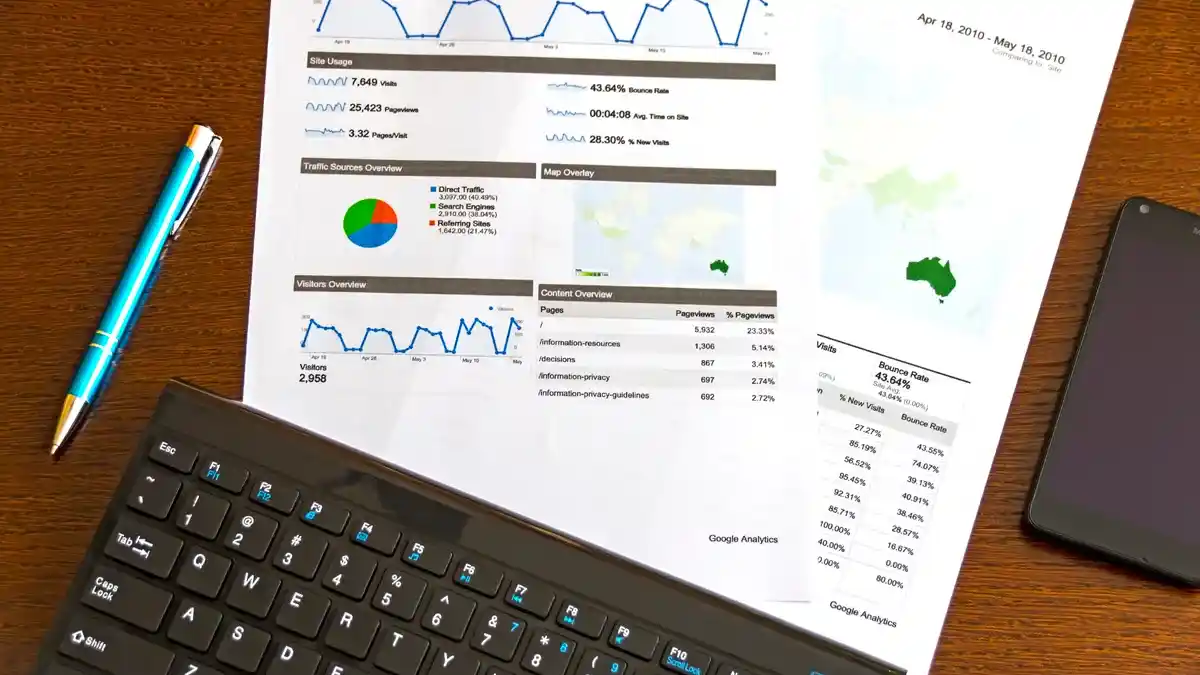
Real anomalies show up in both rank tracking reports and Google Search Console; tracking noise usually shows up in one place only. That split matters because the fix for a tracker problem is not the same as the fix for a page problem.
Picture this: one keyword falls 9 places, but the rest of the cluster stays flat. That is a different case from a whole page sliding across 60 terms. One is often a query-level SERP change. The other is more likely a launch issue, a canonical shift, or a crawl/index problem.
Here is how I sort the main patterns:
- Sudden drops across many keywords: usually worth treating as real until the tracker is cleared. Check whether the page changed URL, title, canonical tag, or internal links.
- Single-keyword spikes: often SERP noise, a featured snippet shift, or a different location/device result.
- Missing keywords: often a keyword set issue or a report filter problem, especially if the term still appears in Google Search Console.
- Data gaps: often crawl timing, connector failure, or a missing historical data pull.
- SERP mismatches: often mobile versus desktop differences, localization, or result-feature changes.
A clean rule helps here. If the pattern is broad, repeatable, and visible in Search Console, treat it as real; if you are unsure, consult a professional because a SERP or indexing change can look broader than it is. If it is narrow, unstable, and absent from Search Console, treat it as suspect.
That does not mean you ignore it. It means you stop chasing ghosts first.
What should I compare in Google Search Console?
You should compare query, page, date, and device in Google Search Console because those four fields tell you whether the rank tracker is lying, half-right, or simply reading a different view of the SERP. The page report and query report often expose the mismatch in under 10 minutes.
Picture this: your tracker says the new landing page lost ground, but Search Console still shows the old URL getting impressions. That is not a ranking mystery. It is a URL selection problem, and the page may still be indexed under the old target.
Start with these comparisons:
- Query report vs. rank tracking reports: look for the same keyword, same spelling, same intent.
- Page report vs. the launch URL: confirm the page Google is showing matches the page you shipped.
- Date window vs. launch date: compare at least the day of launch and the following 3 to 7 days.
- Device split: desktop and mobile can move differently, especially if the SERP layout changed.
- Country or location: local and national results can diverge enough to create fake anomalies.
If Search Console shows stable impressions but rank tracking drops, the tracker may be sampling a different location, device, or data center. If Search Console shows the same fall, the site deserves the next round of checks. For a deeper explanation of reported performance data, see the Google Search Console Help Center.
On the flip side, if rankings rise in the tracker but impressions do not move, that can be a sign of better ranking on a tiny query set, not a meaningful win. Do not confuse a prettier report with more search demand.
How do I tell a SERP mismatch from a real ranking drop?
You tell a SERP mismatch from a real ranking drop by opening the live search result for the exact query and comparing the result type, URL, and device view to the rank tracking report. If the tracker and the live SERP disagree, the anomaly may be in the view, not the page.
Picture this: the tracker shows your page at position 8, but the live SERP on mobile puts a video block, a local pack, or a different URL above it. The rank did not vanish. The result layout changed, and the tracker may be counting a different element.
Check for these mismatches:
- Different URL: the tracker may show a non-canonical URL, while Google serves the canonical page.
- Different device: desktop rank can look fine while mobile shifts because of layout and feature blocks.
- Different region: a city-level SERP can move even when national results stay flat.
- Different result type: a featured snippet, map pack, or product block can push the page down without any site change.
- Different date behavior: a launch-day crawl can create a temporary mismatch that settles within a few days.
A practical test is simple: compare the tracker against a live SERP on the same device and in the same country. If the report still disagrees after that, you likely have a reporting issue. If the live SERP matches the tracker, the ranking move is real enough to investigate. For Google’s guidance on how search results can vary by location and user context, see How Search Works.
This is where many generic posts fail. They treat every rank drop as an SEO problem. Some are just display problems.
What do I check in the launch itself?
You check the launch itself for URL changes, canonical tags, redirects, internal links, and page content shifts because those are the most common reasons a tracked rank changes right after release. A launch can alter search signals even when the page looks fine to a human.
Picture this: you pushed a redesign at noon, and by the next crawl the main page ranks differently. The issue may be as simple as the tracker watching one URL while the site now points to another. A 301 redirect, a new canonical tag, or a swapped internal link can move the signal fast.
Audit these items in order:
- URL changes: confirm the final live URL matches the one in the keyword set.
- Canonical tag: make sure it points to the page you want ranked, not an older template or duplicate.
- Redirects: check that old URLs resolve cleanly and do not chain through multiple hops.
- Internal links: see whether the launch changed link prominence, anchor text, or depth.
- Page content: confirm the title, headings, and main body still match the query set.
- Indexability: verify the page is not blocked, noindexed, or hidden behind an accidental rule.
A launch issue often creates a pattern that looks random at first and obvious later. One page falls because its canonical changed. Another climbs because internal links now favor it. That is not noise. It is architecture.
If the launch touched templates, check a sample of 5 to 10 affected URLs, not just the one that looks worst. Template bugs love repetition. For broader internal-linking guidance, see Google’s SEO Starter Guide.
How should I document the anomaly so I can stop guessing?
You should document the anomaly in one short log that ties the launch change, the rank tracking reports, Google Search Console, and the live SERP together. Without that record, you will keep rechecking the same clue and missing the one that matters.
Picture this: a week after launch, someone asks why the page dropped. If you only have screenshots, you will waste time rebuilding the timeline. If you have a simple log, you can see whether the pattern started before release, on release day, or after the next crawl.
Keep the note tight:
- Launch date and time
- Affected URLs
- Keyword set size
- Search Console date range
- SERP device and location
- Observed pattern: drop, spike, gap, or mismatch
- Likely cause: tracker issue, SERP shift, or page change
Use one line per finding. A 10-line log is enough for most audits. The point is to separate facts from guesses so the next check has a starting point.
This also makes escalation easier. If the anomaly is real, the page owner, dev, or content lead gets the right evidence. If it is not real, you do not spend another day trying to “fix rankings” that never broke.
This log becomes the starting point for the broader rank tracking data quality and operations process, so the next launch is easier to audit.
Why do ranks change on launch day?
Ranks change on launch day because the page, the links, the canonical, or the index state may change at the same time. Search engines also recrawl on their own schedule, so launch day can expose old signals before new ones settle.
How do I know if a ranking change is real?
A ranking change is more likely real when rank tracking reports and Google Search Console show the same direction. If only one tool shows movement, check the keyword set, device, location, and SERP layout before you treat it as a site problem.
What should I check when rankings look wrong?
Check the keyword set, the live SERP, Google Search Console, the launch URL, and the canonical tag. Those five checks catch most false alarms caused by setup errors, URL swaps, or SERP differences. If the same issue repeats across 2 or more checks, it is less likely to be noise.
Drafted with AI; not yet reviewed by a person.